
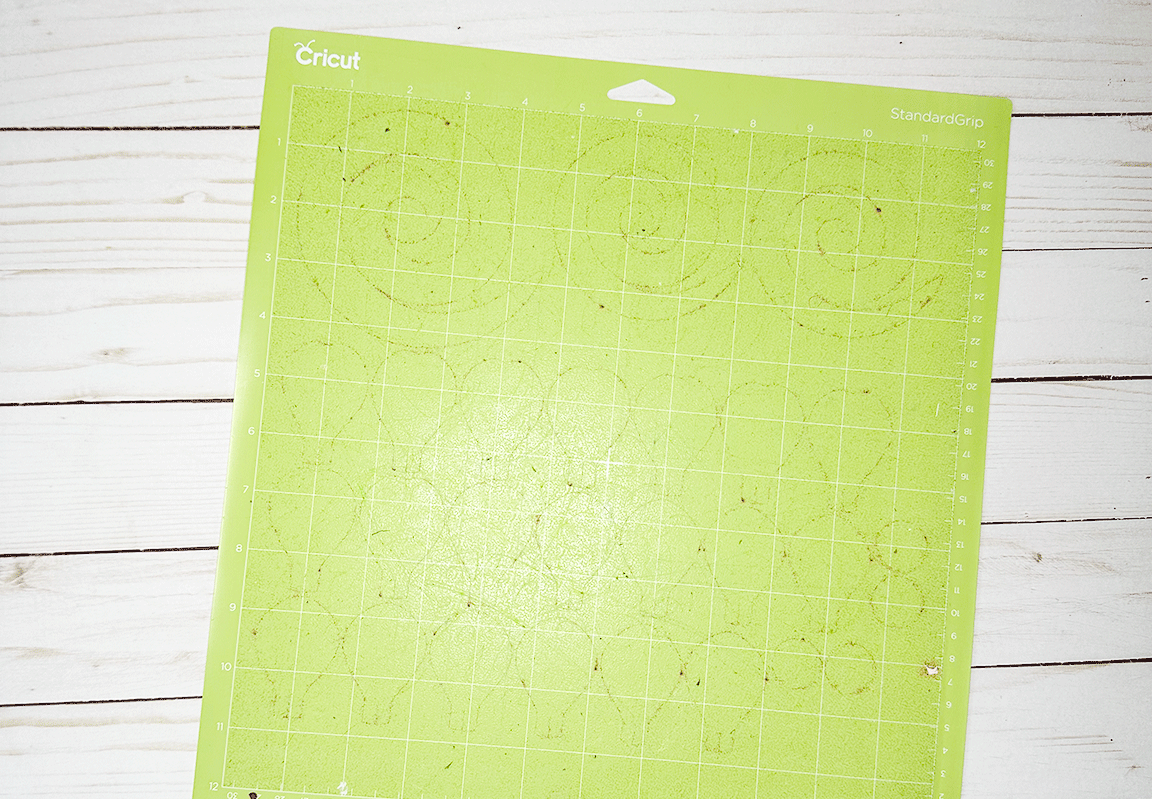
If you use your Cricut with some regularity then your Cricut Mats will eventually get covered in junky remnants from your projects, causing the mats to be less sticky. If your mat isn’t sticky then your projects are going to have some problems. Today I’m going to teach you how to clean a Cricut mat so that you can extend the life of your mats and save some money. More money for more craft supplies!

Why You Need to Clean Your Cricut Mats
Your Cricut mats are sticky so that your materials stay in place while cutting them. Over time the sticky surface of your mat will collect paper fibers, dust, glitter, vinyl scraps, and more. Your projects might come off of the mat cleanly but they still leave little bits behind. The buildup of all this junk can make materials not stick as well to the mat, which can ruin your project if something slips during cutting. Obviously you can replace your mats but you want to try to extend the life of your mats for as long as possible in order to save some money.
Considerations for Different Mats
There are four main types of Cricut mats and according to Cricut the different types of mats need different types of care. I’ll break this down a little”
- LightGrip Mat: This mat is blue. It’s for materials such as paper, cardstock, and vellum.
- StandardGrip Mat: This mat is green. It’s for materials like vinyl, heat-transfer vinyl (iron-on), and medium weight cardstock.
- StrongGrip Mat: This mat is purple. It’s for thicker/harder materials like chipboard, glitter cardstock, and faux leather.
- FabricGrip Mat: This mat is pink. It’s for fabric.
So personally, my method for cleaning my Cricut mats is to use baby wipes BUT according to Cricut you cannot clean the FabricGrip mat with baby wipes or soap and water. Honestly, I have used a baby wipe to clean my FabricGrip mat and it worked just fine. I have also used a lint roller on my FabricGrip mat and I’ll share a little more about that further down in the post.


Supplies Needed to Clean a Cricut Mat
- Unscented baby wipes
- Cricut Tweezers
Avoid using wipes that have alcohol in them or lotion wipes.
How to Clean a Cricut Mat with Baby Wipes
Step 1: Prep Your Mat
Take your Cricut Tweezers and remove anything big that’s stuck to the mat- scrap of paper, bit of vinyl, etc. Lay your mat down on a flat surface where you have some room to work.

Step 2: Wipe Gently
Use an unscented baby wipe to wipe in a circular motion. Wipe very gently. Err on the side of not wiping aggressively enough. If you scrub it with too much pressure then you can remove the adhesive layer. Focus on the areas with visible residue and fibers.

Once the wipe gets a little dirty I use a different part of the wipe to keep cleaning with. I use about 3 or so wipes to clean one mat, depending on how dirty it is to begin with.


Step 3: Let It Air Dry
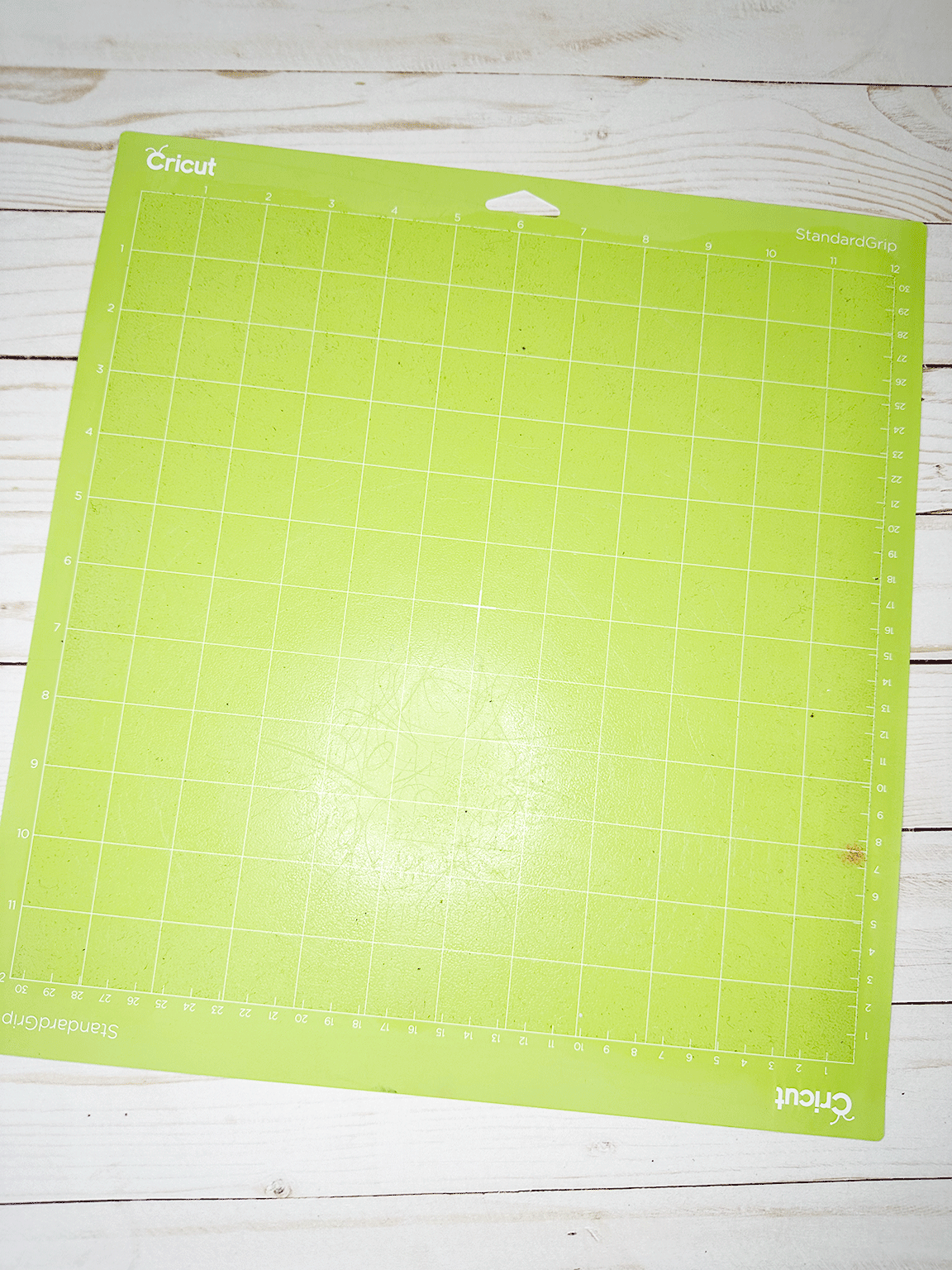
Leave the mat on your flat surface and let it air dry. Do not put the plastic cover back on it. It will probably take it about a half an hour to dry. Don’t blot it with a towel because you could get fibers and lint stuck to the mat again.

Step 4: Check the Stickiness
Once you’ve let the mat dry, give it a tap to see if it’s sticky again. If it’s sticky again then it’s ready to use again. If you feel like it’s still a little dirty then repeat with more baby wipes.
Step 5: Store Properly
Cover the mat with the clear plastic cover when you’re not using it. And always store your mats flat.
You probably want to clean your mat regularly to keep the buildup from getting too stuck-on.
Other Ways to Clean a Cricut Mat
I love using a baby wipe to clean my Cricut mats but there are some other ways of doing it. Here are some other methods with their pros and cons:
Soap and Water
Some people use a little dish soap and water to clean their mats. Functionally I think this is very similar to the baby wipe method. If you use this method use a soft brush and remember to scrub super gently.
Again, Cricut does NOT recommend you use this method on the FabricGrip mat either.
Lint Roller
I have occasionally used my lint roller on my Cricut mats to pick up a little of the lint/fuzz. This is a good way to clean your FabricGrip mat if you are worried about doing wither the wipes or the soap/water method.
Adhesive Remover
I don’t really recommend this BUT if your mat needed a complete reset you could use something like Goo Gone to remove the buildup BUT it’s going to ruin the adhesive and so you will need to reapply adhesive spray after. I really wouldn’t recommend this unless you’re wanting to save a really old, far-gone mat.
When to Replace Your Cricut Mat
Even if you regularly clean your mats there will come a time when you need to replace them. If your surface is just not sticky at all any more then it’s definitely time. Deep cuts and damage to your mat can also lead to the need to replace your mat.
Tips for Keeping Your Mats Clean
- Cover your mat with the clear plastic cover when you’re not using it.
- Don’t touch the sticky part of your mat if you can avoid it. Handle your mats around the edges where it’s not sticky. Oils from your hands can reduce the stickiness.
- Use the appropriate mat for your project’s materials.
A clean mat will make for smoother cuts and better projects. I hope that this simple tip for how to clean a Cricut mat with baby wipes helps you to maintain your Cricut mats and enjoy them longer. Make sure you add mat-cleaning to your regular Cricut routine. And if you clean your Cricut mat in a different way, please share your tips in the comments below!
Leave a Reply